Anyone who's authored a Jenkins Pipeline or Shared Library knows how painful it can be. Hat's off to you if you've designed your library to have unit tests from the start, but even they can only get you so far. The runtime complexities of most build pipelines can be very difficult to thoroughly test.
Because Jenkins pipelines and libraries are largely designed to pull from source control, it's not uncommon to find yourself in an endless author->commit->push->test->GOTO 10 loop. Jenkins has created tools to try to reduce the friction in this experience, but sometimes they come up short.
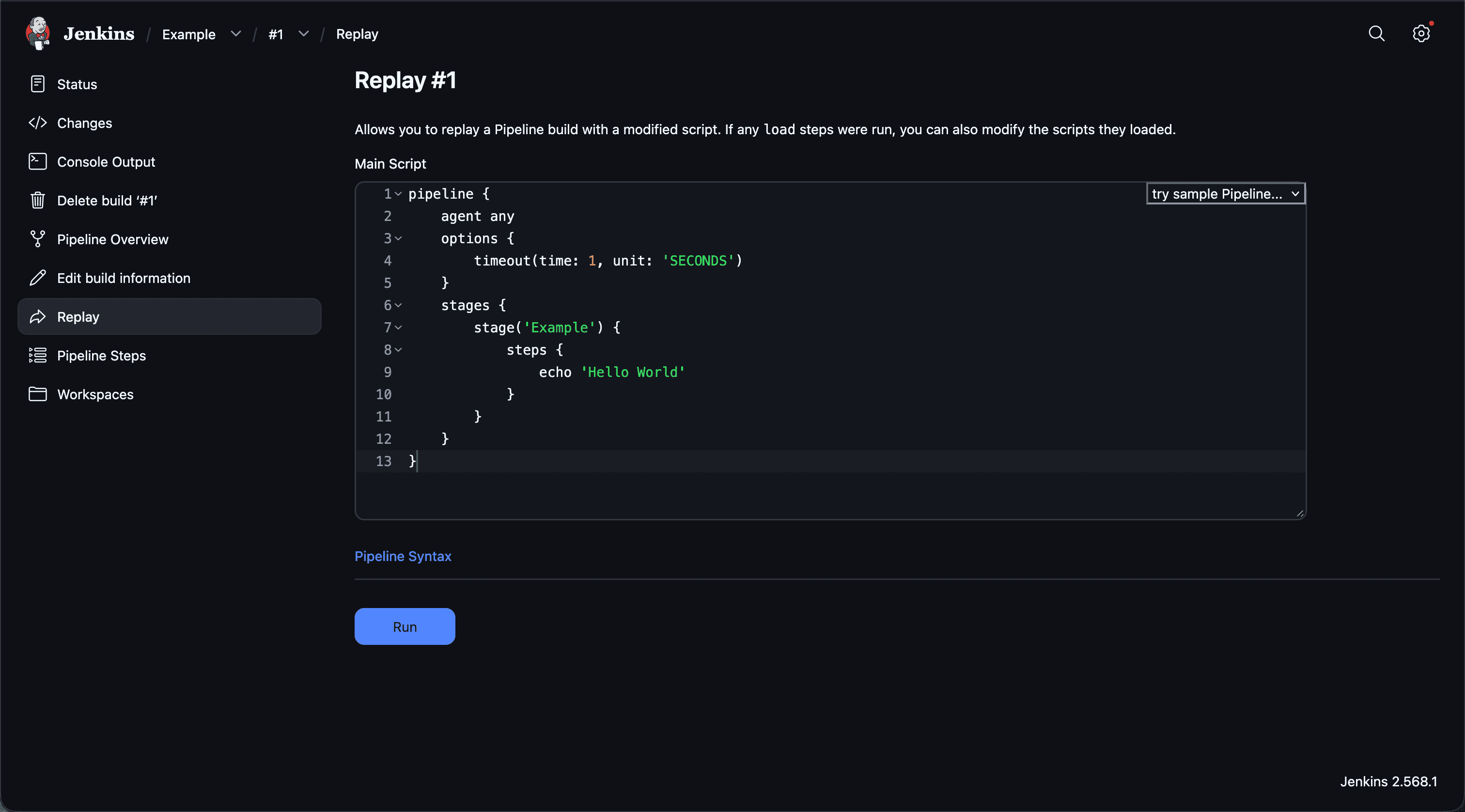
What if I were to show you a way to get Jenkins pipelines and libraries to "hot-reload"? That is to say, as soon as you hit Save on a file you are editing, that file is immediately available to a local Jenkins instance? This would increase your development velocity, as you are able to author complex changes and test them nearly in real time, similar to front end web development.
The key piece of technology here is the workflow-cps-global-lib-http Jenkins plugin. Its scope is simple, it enables Jenkins to retrieve a shared library or pipeline over HTTP. This is what unlocks the ability to hotload Jenkins pipelines and libraries.
https://github.com/GamebreakingStudios/hotloading-jenkins-library/
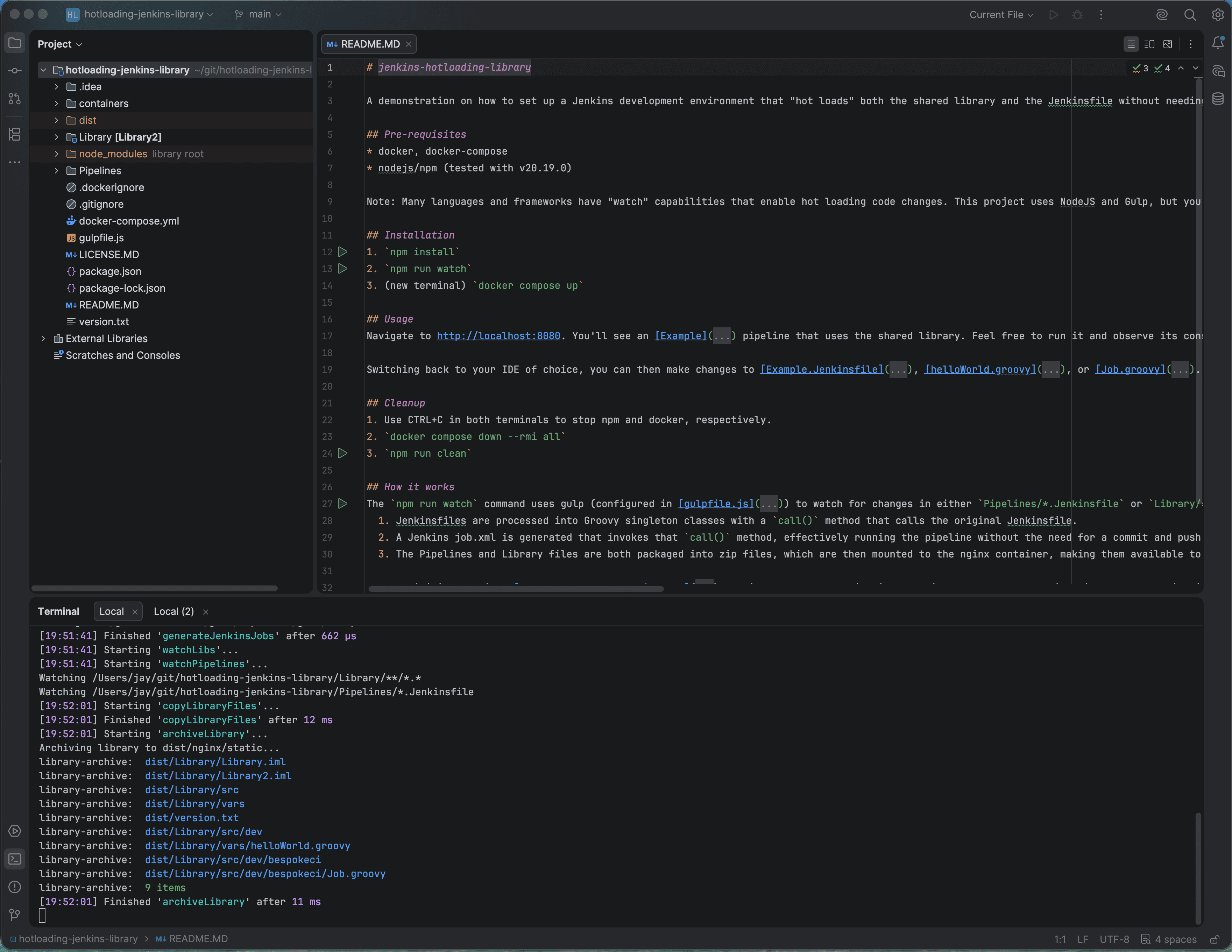
In the repo I've linked above, I set up a working example of this technology. Here's how it works:
- A local development environment can be spun up using
docker compose up- Jenkins is pulled and built as a container. It mounts local folders as volumes.
- Nginx, a popular web server, is built as a second container. Its purpose is to host the Pipelines and Libraries we will be retrieving over http.
- We use npm and gulp, popular tools in the Javascript ecosystem, to establish a "watch" on your local file system with
npm run watch. Changes to certain directories trigger automation which Zips the groovy code and makes it available to the nginx container. - The Jenkins container installs the Configuration as Code plugin, and has a configuration setting automatically importing the library from your local repository.
Note: We chose to use npm and gulp to 'watch' our file system because we were familiar with those tools. Other languages and tools have similar capabilities and could be used to the same effect.
The end result is a Jenkins instance that "hot reloads" Pipelines and the Shared Library directly from your project. Any change you make is immediately (well, within less than 1 second on my MacBook) available in Jenkins.
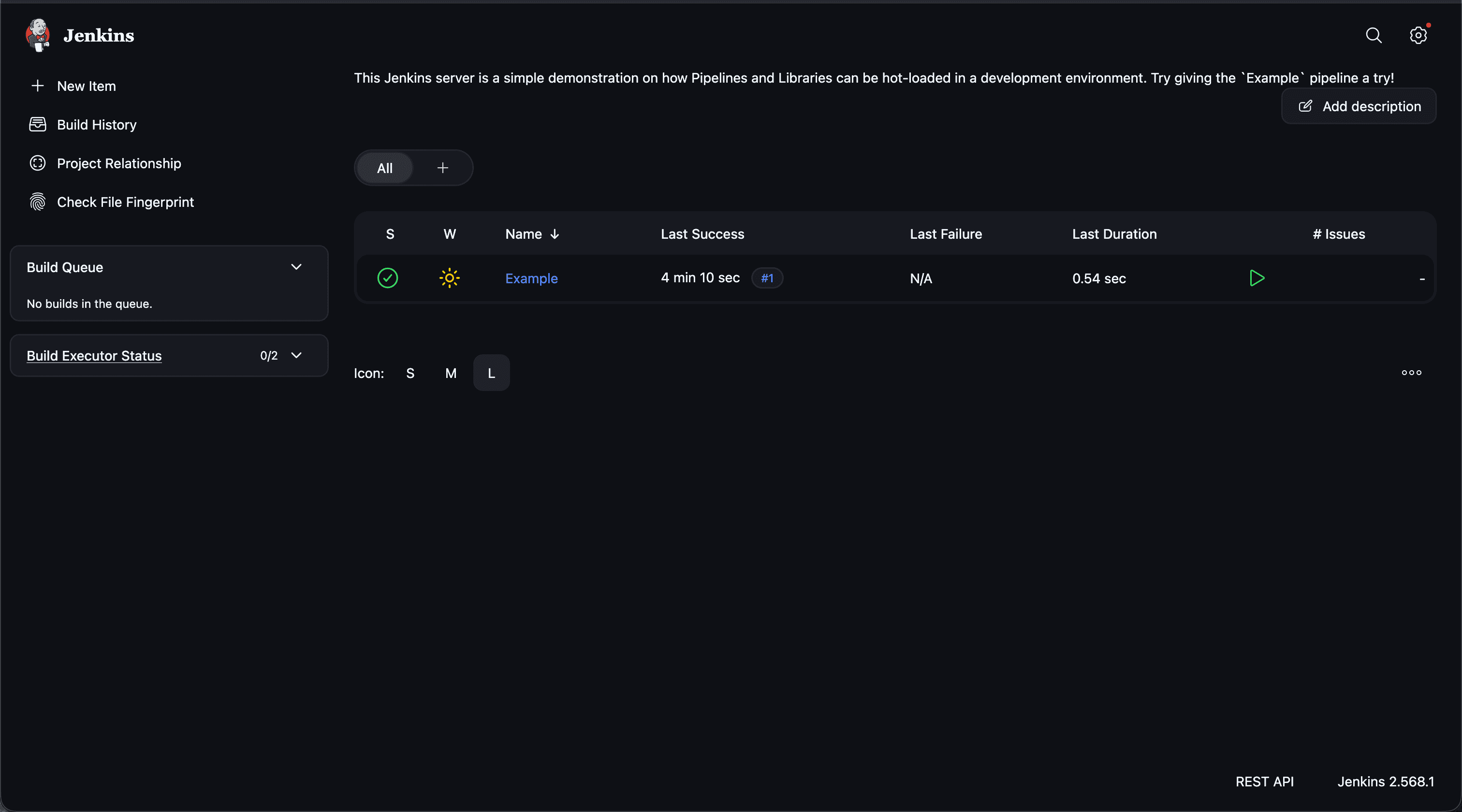
This could be extended even further. If your Jenkins shared library has unit tests (and we think it should!), you could write a test that invokes POST http://localhost:8080/job/Example/build and watches it for success. You could then set this test to run on Save, getting even more comprehensive feedback that your Groovy code is working.
There are still limitations of course. As any Build Engineer can tell you, testing on a Jenkins "test" instance is not the same as production. Build Agent configuration, Source Code checkout, installed Libraries, Workspace state, and Real-world data might mean your results could still differ from running the job "for real". Nonetheless, we've found this capability to increase our velocity when developing Groovy code in Jenkins and we hope you find it useful as well.
Many thanks to Kevin Viglucci, who came up with this clever idea and wrote the initial implementation.